
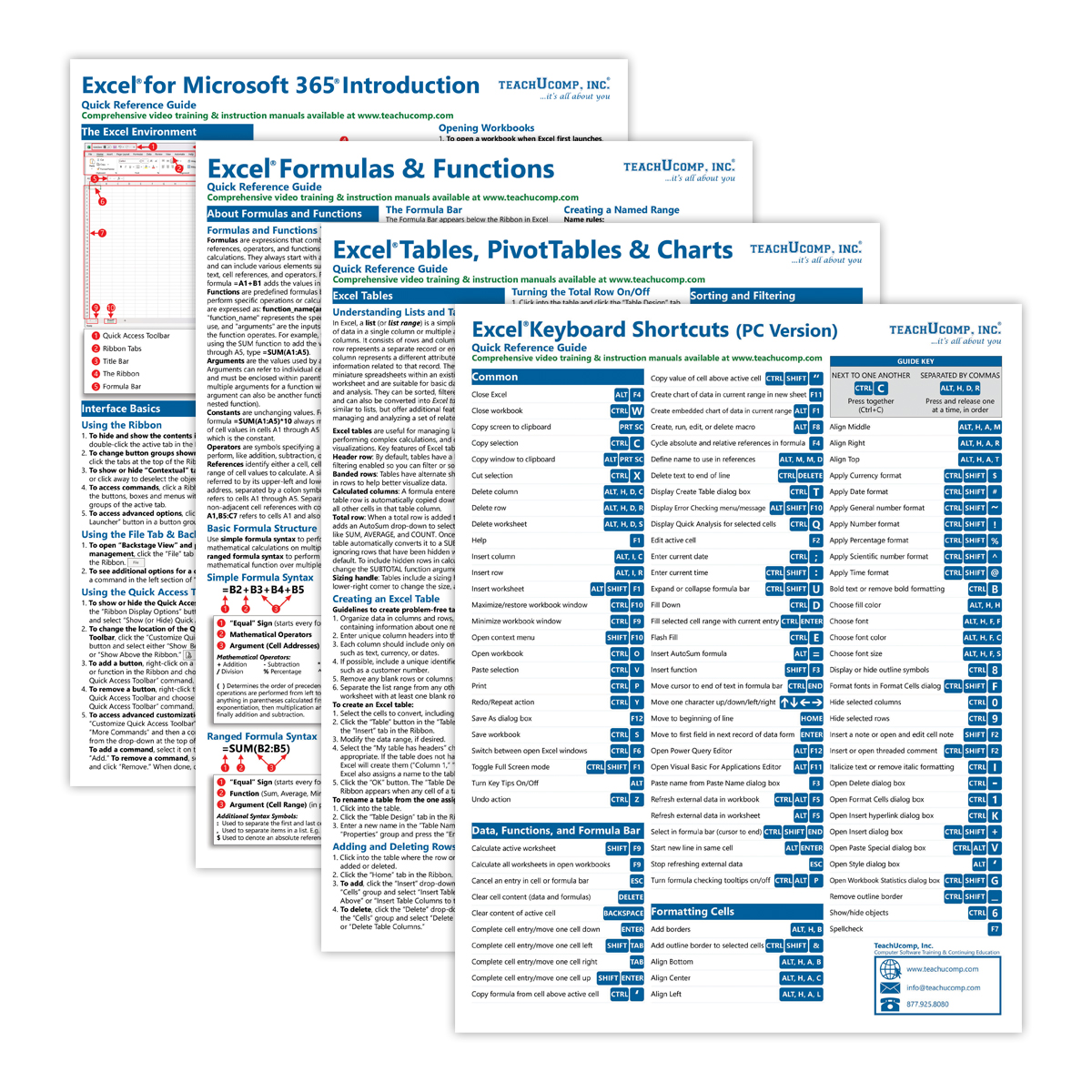

Excel for Microsoft 365 PC Quick Reference Guides Bundle (Intro, Formulas & Functions, Tables, PivotTables & Charts, and Keyboard Shortcuts)
$17.95
Available via Printed/Laminated (Shipped/Physical) or PDF (Download Only):
| Quantity: | Price: |
|---|---|
| 1-49 | $17.95 |
| 50-99 | $14.87 |
| 100-499 | $12.50 |
| 500-999 | $11.79 |
| 1000+ | $10.70 |
Description
| Subject: | Excel (Intro, Formulas & Functions, Tables, PivotTables & Charts, Keyboard Shortcuts) |
|---|---|
| Versions: | Microsoft 365 for PC |
| Level: | Introductory through Advanced |
| Topics Covered: | 171 lesson topics + 210 keyboard shortcuts |
| Number of Guides: | 4 |
| Pages: | 16 |
| Dimensions: | 11 x 17″ – Folded & 8.5 x 11″ |
| Availability: | Printed & Laminated or PDF Download |
Product Description
Take your Excel skills to the next level with this powerful Excel for Microsoft 365 PC Productivity Bundle. Designed for beginners through advanced users, this bundle includes four essential quick reference guides covering core Excel skills, formulas and functions, data analysis tools, and keyboard shortcuts.
Whether you’re building spreadsheets, analyzing data, or improving speed and efficiency, these guides give you the exact skills you need, right at your fingertips.
What’s Included
This bundle contains four quick reference guides:
- Excel for Microsoft 365 – Introductory
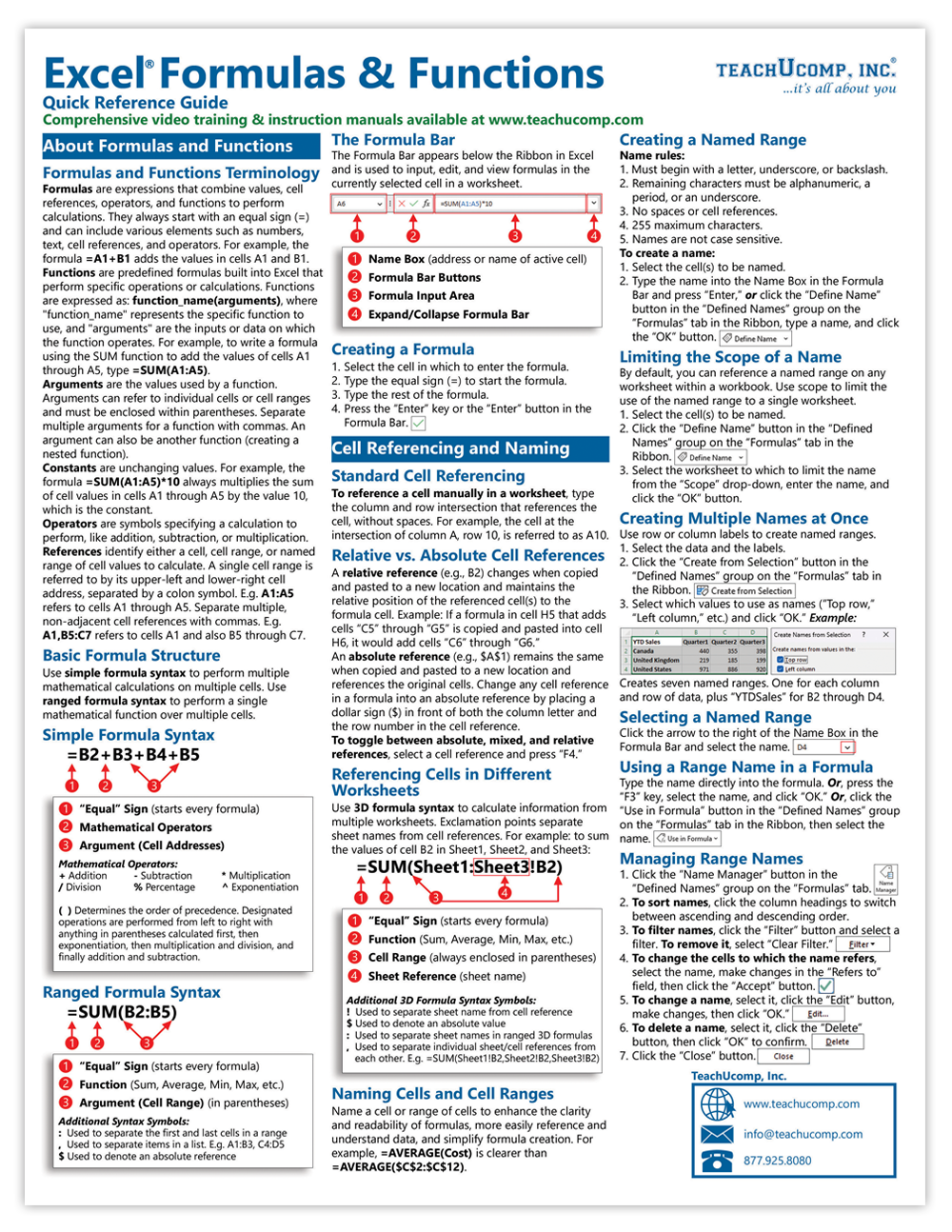
- Excel Formulas and Functions – Quick Reference Guide
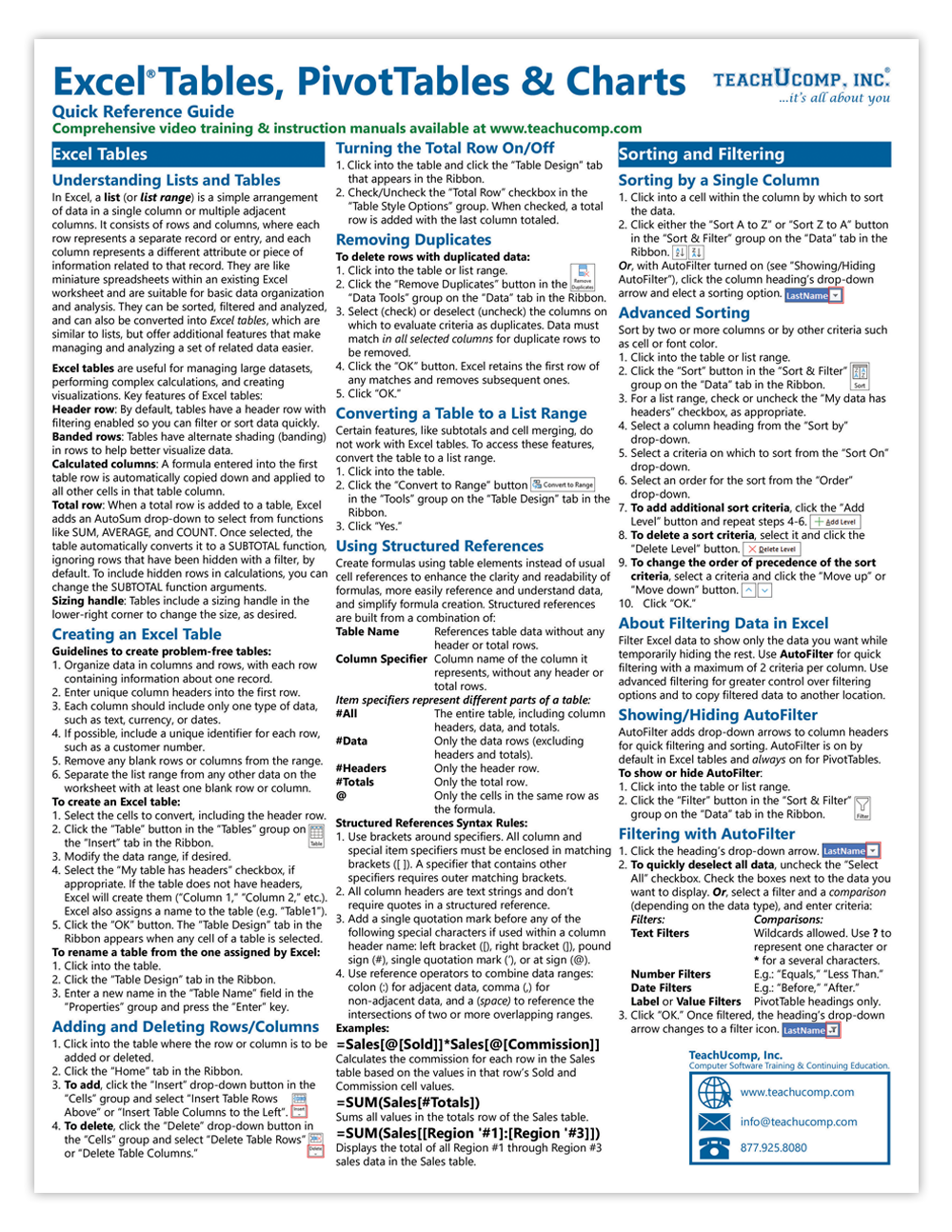
- Excel Tables, PivotTables and Charts – Quick Reference Guide
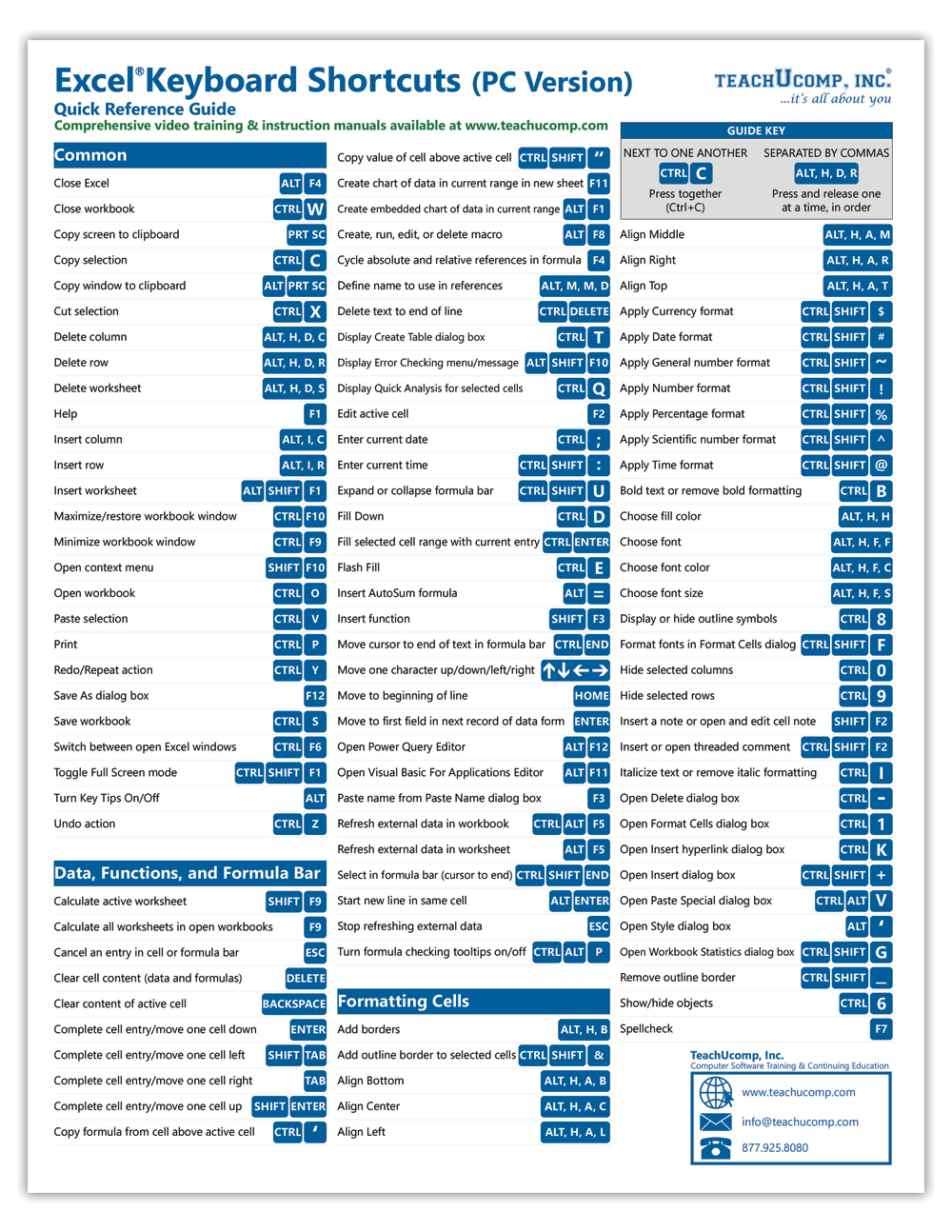
- Excel PC/Windows Keyboard Shortcuts – Quick Reference Guide
Each guide is clearly organized, visually structured, and designed for quick lookups while you work.
Total Content at a Glance
- 14 total pages of content
- 171 total lessons topics plus 210 keyboard shortcuts
Breakdown by guide:
- Excel Introductory: 60 topics
- Formulas and Functions: 52 topics
- Tables, PivotTables and Charts: 59 topics
- Keyboard Shortcuts: 210 shortcuts
Why Choose This Bundle
- Complete Excel productivity coverage
Learn everything from basic skills to advanced formulas and data analysis tools. - Boost speed with keyboard shortcuts
Save time and work more efficiently with 200+ essential shortcuts. - Perfect for beginners to advanced users
Start with the basics and quickly build advanced Excel skills. - Step‑by‑step instructions with visuals
Follow clear, structured layouts designed for real-world tasks. - Ideal for business professionals and analysts
Perfect for finance, operations, reporting, and data-driven roles.
Learn Key Skills Faster
With this Excel productivity bundle, you’ll learn how to:
- Build and format spreadsheets efficiently
- Write formulas and use powerful Excel functions
- Analyze data using tables, PivotTables, and charts
- Work faster and more efficiently with keyboard shortcuts
These quick reference guides focus on practical, real‑world tasks that help you improve productivity immediately.
Who This Is For
- Business professionals working in Excel daily
- Analysts and data-driven roles
- Teams looking to improve Excel efficiency
- Anyone ready to move beyond basic Excel skills
A Smarter Way to Master Excel
Skip the slow learning curve and get straight to what matters. Keep formulas, tools, and shortcuts at your fingertips so you can work faster, analyze better, and get more done every day.
You may also like…
-
 Select options This product has multiple variants. The options may be chosen on the product page
Word for Microsoft 365 Introductory Quick Reference Guide
$6.95
Related products
-
 Select options This product has multiple variants. The options may be chosen on the product page
Word (PC/Windows) Keyboard Shortcuts Quick Reference Guide
$4.95